

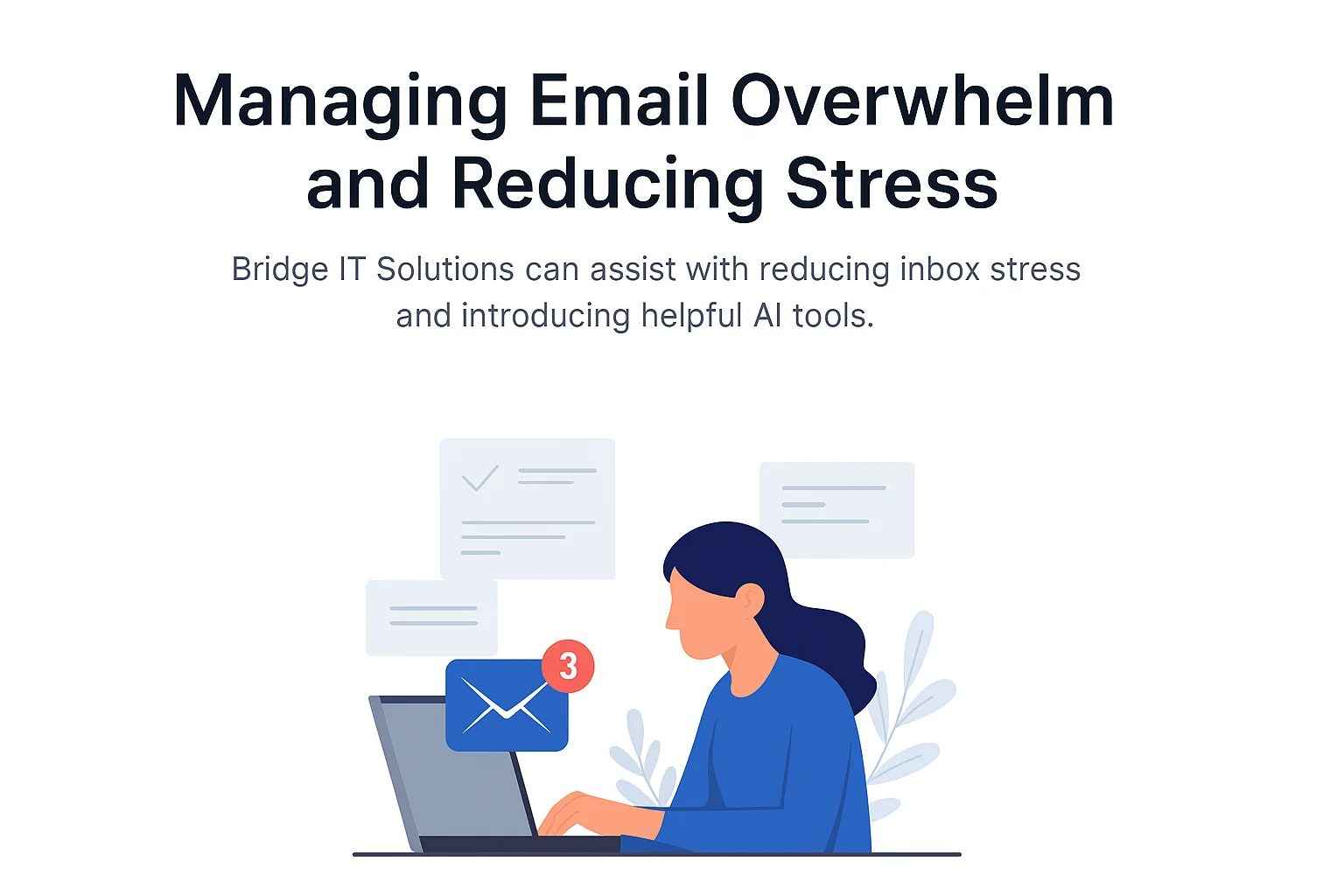
Reduce Email Stress & Inbox Overwhelm
Practical wins first. Smart AI when you’re ready.
Bridge IT Solutions helps reduce email overload, automate the busywork,
and restore calm to your workday — without breaking how you already work.
What causes Overwhelm & Stress with emails?
Too Many Emails
Notifications, CCs, and low‑value messages never stop.
Inbox = To‑Do List
Your brain keeps everything “open” and unfinished.
Always On
Constant checking creates stress and distraction.
Always Behind
The inbox never feels truly cleared.
Simple Wins (Before Using AI)
-
Stop Using the Inbox as a To‑Do List
Convert action emails into tasks, then archive them. -
Batch Email Checking
Check email 2–4 times per day instead of constantly. -
Use Outlook Rules Aggressively
Automatically move newsletters, CCs and system emails. -
Reduce Who Can Email You
Use Teams, forms, or shared inboxes where possible.
AI Options (Once the Basics Are in Place)
Fyxer (Recommended)
An AI assistant that works inside Outlook or Gmail.
- Sorts emails by importance
- Drafts replies in your writing style
- Suggests follow‑ups and meeting replies
Reduces stress: inbox overwhelm, decision fatigue
Watch out: Paid tool
https://www.fyxer.com/
Microsoft Copilot
Built‑in AI for Outlook, Word, Excel and Teams.
- Summarises long email threads
- Drafts and rewrites replies
- Helps with tone and clarity
Reduces stress: writing fatigue
Watch out: doesn’t reduce email volume
https://www.microsoft.com/microsoft-365/copilot
SaneBox
AI that quietly removes low‑priority emails.
- Declutters inbox automatically
- Works with most email providers
Reduces stress: inbox noise
Watch out: no reply drafting
https://www.sanebox.com/
Carly
AI agents that respond to repetitive emails.
- Automated replies
- Meeting scheduling
- Follow‑ups
Reduces stress: repetitive admin work
Watch out: setup required
https://www.usecarly.com/
