

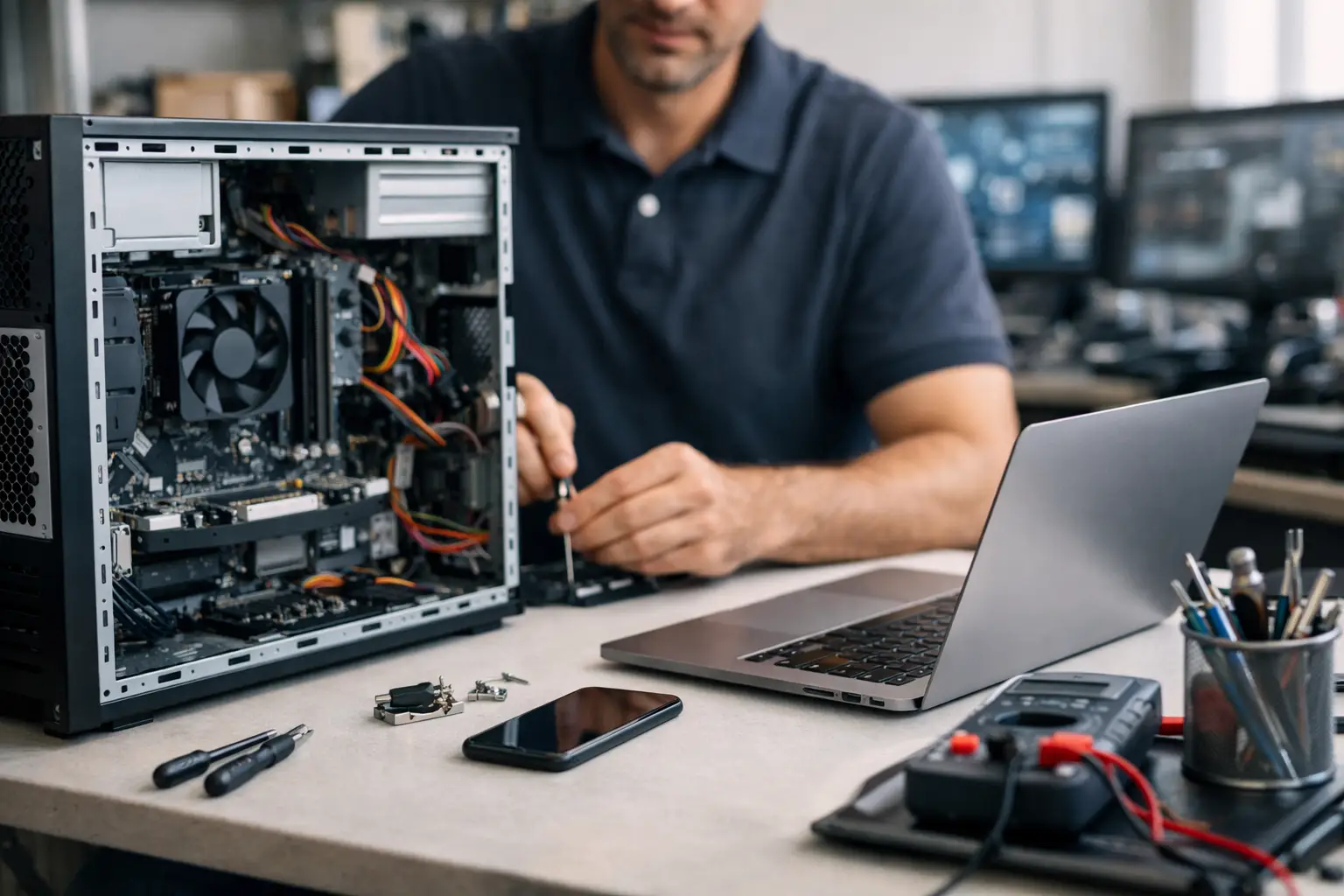
When a staff member cannot log in, a laptop dies before a client meeting, or a desktop starts throwing up strange errors, the question becomes urgent: what is the best computer repair service for your business? For most Brisbane and South East Queensland organisations, the answer is not simply the cheapest technician or the first shop that can replace a hard drive. The best service is the one that restores productivity quickly, protects your data, and helps stop the same issue happening again.
For a home user, computer repair might mean fixing a cracked screen or removing a virus. For a business, the stakes are higher. One faulty device can disrupt payroll, delay invoices, interrupt bookings, or lock staff out of critical systems. That is why choosing a repair provider should be based on business continuity, not just the repair itself.
What is the best computer repair service for a business?
The best computer repair service is one that combines technical skill with practical business support. It should be able to diagnose faults accurately, explain options clearly, and complete repairs with minimal disruption to your team. Just as importantly, it should understand that a computer is rarely a standalone issue. It connects to your email, files, printers, cloud apps, security tools, and day-to-day operations.
A good provider fixes the immediate problem. A better provider also looks at why the issue occurred, whether other systems are exposed, and what can be done to reduce future downtime. That difference matters if you rely on technology to serve customers, manage jobs, or keep staff productive.
For many small and mid-sized businesses, the best repair service is not a retail repair bench. It is an IT partner that can support devices as part of a broader technology environment.
Why the cheapest repair is not always the best option
It is understandable to compare providers on price first. If a machine is out of action, every extra dollar can feel hard to justify. But low-cost repairs can become expensive if the diagnosis is rushed, poor-quality parts are used, or the underlying cause is missed.
A laptop that keeps overheating, for example, may need more than a fan replacement. It could also point to ageing hardware, dust buildup, power issues, or a user working on an unsupported device that is no longer suitable for business use. If the repair only treats the symptom, the problem returns and the disruption starts again.
There is also the issue of data security. Any provider handling a business computer may have access to sensitive emails, documents, passwords, financial records, or customer information. A bargain repair is not much of a bargain if it creates privacy risks or leaves your systems vulnerable.
This is where trade-offs matter. If you are repairing an older device near the end of its life, a low-cost temporary fix might be perfectly reasonable. If the device holds critical business data or supports key staff, reliability and security should carry more weight than price alone.
Signs you are dealing with a quality computer repair service
A reliable computer repair service does a few things consistently well. First, it asks the right questions. Rather than jumping straight to a part replacement, it should want to know what the device is used for, when the issue started, what systems are affected, and whether anyone else in the business is experiencing similar problems.
Second, it communicates in plain language. You should be told what the issue appears to be, what the likely repair path involves, what it will cost, and whether replacement is a smarter option. Good support is not about impressing you with jargon. It is about helping you make a practical decision.
Third, it considers the wider impact on your business. If a director’s laptop fails, the right response may involve more than repairing the hardware. It could include checking backups, securing accounts, setting up a temporary device, and making sure the user can keep working.
Finally, a strong provider stands behind its work. That means clear service expectations, sensible turnaround times, and accountability if the same issue returns.
Repair shop or managed IT provider?
This is where many businesses make the wrong comparison. A traditional repair shop is usually designed for one-off faults. It may be a good fit if you need a screen replaced, a battery changed, or a device assessed after physical damage. For straightforward hardware jobs, that model can work well.
However, business technology problems are often more layered than they first appear. A slow computer might actually be caused by network issues, a failing drive, outdated software, poor patching, malware, or insufficient device specifications for current workloads. A user account issue might be tied to Microsoft 365, cloud permissions, security policies, or backup failures.
In those situations, a managed IT provider brings more value because it can look beyond the device itself. It can repair the immediate problem and support the surrounding environment at the same time. That joined-up approach is often what businesses really need.
For organisations that want one provider across end-user support, cybersecurity, cloud services, procurement, and repairs, this model is usually more efficient than dealing with separate suppliers every time something goes wrong.
What to ask before choosing a provider
If you are comparing services, a few questions can quickly tell you whether a provider is the right fit.
Ask whether they support businesses like yours and whether they understand the systems you rely on every day. A provider that works regularly with small and medium-sized organisations will usually be better equipped to deal with operational pressure, compliance concerns, and time-sensitive issues.
Ask how they handle data protection during repairs. This is especially important if the device contains customer records, financial data, or confidential documents.
Ask whether they offer onsite support, remote support, loan devices, or replacement advice if the machine is not worth repairing. The best answer depends on your setup. A sole trader may be comfortable dropping off a laptop. A busy office may need an onsite response or fast user swap-out.
It also helps to ask what happens after the repair. Will they simply return the machine, or will they check software updates, security settings, backups, and general device health? That aftercare can make a significant difference.
When repair is the wrong decision
Not every device should be repaired. Sometimes replacement is the more sensible option, especially if the machine is old, unsupported, unreliable, or too underpowered for current business needs.
This is one area where honest advice matters. A trustworthy provider should tell you when a repair is likely to be poor value. Spending money on repeated fixes for ageing hardware often creates more downtime over time, not less.
There is also a strategic angle. If your team is working on slow, inconsistent devices, the cost is not just repair bills. It is lost time, staff frustration, and delayed work. In some cases, replacing hardware and setting up a proper support plan will cost less across the year than keeping patchwork equipment alive.
The best service fixes problems and prevents repeat issues
The strongest repair service is preventative as well as reactive. It does not wait for every problem to become urgent. Instead, it helps you identify patterns such as recurring hardware failures, poor device age profiles, weak cyber hygiene, or gaps in backup and patching.
That is particularly important for businesses with multiple users or sites. If several machines are showing the same symptoms, it may point to a broader issue with software, antivirus, storage, login policies, or power protection. A provider with wider IT capability can spot those patterns early.
This is also where a long-term relationship becomes valuable. When your support team already understands your environment, they can respond faster and make recommendations that suit your business rather than offering generic fixes. For many local organisations, that is the real answer to what is the best computer repair service – a provider that can repair devices, support users, and keep technology aligned with how the business actually operates.
A business-focused partner such as Bridge IT can be particularly useful here because repairs sit within a broader support model that includes security, infrastructure, cloud services, and ongoing advice. That means the conversation does not stop once the machine turns back on.
Choosing the right fit for your business
There is no single best computer repair service for every situation. A sole trader with one laptop has different needs from a medical practice, a law firm, or a construction business with office staff and mobile devices in the field. The right choice depends on how critical the device is, how quickly you need it restored, how sensitive the data is, and whether you need broader support around it.
If your business depends heavily on reliable systems, the safest option is usually a provider that can do more than repair hardware. You want someone who can protect data, support staff, advise on replacement when needed, and reduce the chance of the same issue interrupting work again.
The best computer repair service is the one that keeps your business moving, not just the one that fixes a machine. When you choose with that in mind, you are far more likely to end up with support that pays off well beyond a single repair job.
