

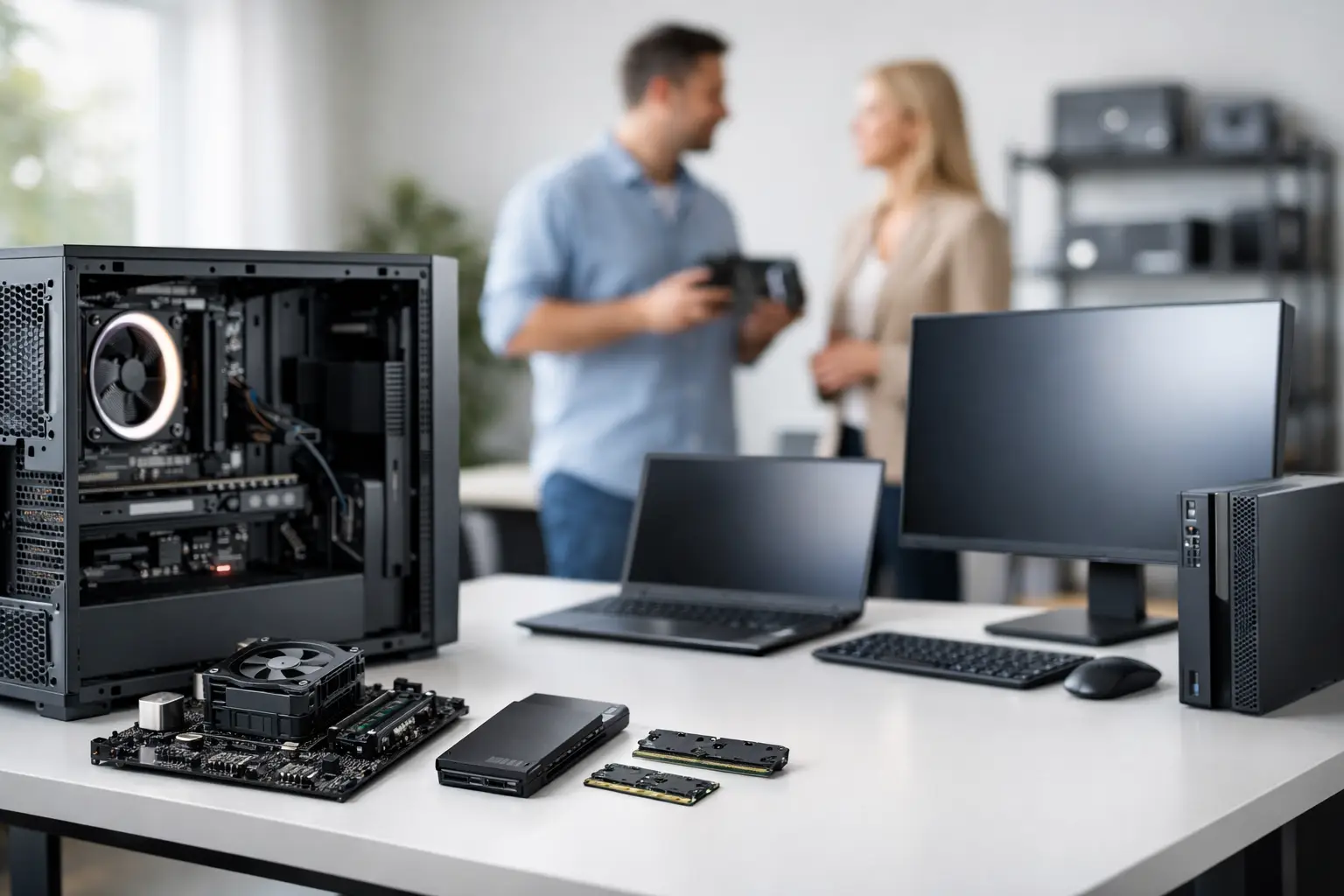
Replacing ten laptops is manageable. Replacing fifty across multiple teams, software needs and security policies is where problems usually start. Configure to order computers give businesses a cleaner way to buy hardware, because devices arrive built for the job from day one rather than being patched together after delivery.
For growing organisations, CTO hardware is less about getting fancy specs and more about reducing friction. When each machine is configured with the right processor, memory, storage, operating system and business-grade features before it lands on a desk, deployment gets faster and support becomes easier. That matters whether you are refreshing a small office fleet or planning a larger hardware rollout across Brisbane and South East Queensland.
What configure to order computers actually mean
Configure to order, often shortened to CTO, means hardware is built to an agreed specification before purchase is fulfilled. Instead of choosing only a standard off-the-shelf model, a business can tailor key components to suit its users, workload and support requirements.
In practical terms, that might mean ordering the same laptop model with extra RAM for your finance team, larger SSDs for design staff, or different docking and connectivity options for hybrid workers. It can also mean standardising a desktop fleet with the same chipset, warranty level and operating system image so your business is not juggling mixed hardware for the next three to five years.
The main point is control. You are not simply buying whatever happens to be in stock that week. You are planning hardware around how your business actually operates.
Why businesses choose CTO over off-the-shelf devices
Off-the-shelf computers have a place. If a single machine fails and you need a same-day replacement, buying a standard model can be the right call. But when you are purchasing in volume or trying to create consistency across the business, it often becomes a false economy.
A standard retail device may look cheaper upfront, but the hidden costs show up later. Mixed models create more support overhead. Inconsistent ports and docking options frustrate staff. Entry-level specs can shorten the useful life of the device. If the machine cannot comfortably handle your line-of-business software in year one, it certainly will not be pleasant in year three.
Configure to order computers are popular with businesses because they support standardisation. That helps with user experience, device management, cyber security controls and future procurement. It also gives decision-makers more confidence that they are buying for the full lifecycle of the device, not just this quarter’s budget.
Where CTO makes the biggest difference
CTO purchasing is especially useful when the business has more than one type of user. A law firm, for example, might need dependable laptops with strong battery life and secure remote access for partners, while admin staff may need desktop systems with dual-screen support and predictable performance for document-heavy work. A medical practice may need quiet, compact machines at reception and higher-spec devices for imaging or specialist software. A construction business may need rugged mobile devices for staff moving between office and site.
This is where buying based on job role works better than buying based on price alone. The right spec for one team can be wasteful for another. Under-specifying creates complaints and downtime. Over-specifying across the board burns budget with little return.
A good CTO approach finds the middle ground. It aligns devices to real business use while keeping procurement manageable.
How to plan configure to order computers properly
The best CTO outcomes usually start before any quote is requested. Businesses get better value when they first look at how devices are used, what software matters most, and how long the hardware is expected to remain in service.
Start with roles, not products. Think about who uses which applications, whether they are office-based or mobile, what peripherals they rely on, and how demanding their workload is. Staff running browser-based software all day will not need the same build as users working with large spreadsheets, CAD files or virtual environments.
Then consider lifecycle. If you expect devices to last four or five years, a small uplift in RAM or storage at purchase can make a significant difference later. This is one of the strongest reasons businesses choose CTO. The extra spend is usually modest compared with the cost of replacing hardware early or dealing with poor performance for years.
You also need to think about supportability. Standard models across the fleet make warranty handling, spare device planning and troubleshooting simpler. If every office location has a different laptop model because devices were bought ad hoc, support becomes slower than it should be.
The trade-offs businesses should know
CTO is not automatically the best choice in every scenario. Customised devices can have longer lead times than stock models, especially if you are ordering at scale or requesting less common specifications. If a project is urgent, that timing needs to be factored into planning.
There is also a balance between tailoring and overcomplicating. If every team requests a slightly different build, the business can lose the standardisation benefits that made CTO attractive in the first place. Usually, the smartest approach is to define a small number of approved device profiles rather than a unique build for every person.
Budget matters too. The cheapest specification is rarely the best value, but neither is maxing out every machine. Good procurement is about matching hardware to business need with enough headroom for growth. That takes a practical view, not a shiny brochure view.
CTO and hardware refresh projects
For businesses planning a hardware refresh, CTO becomes much more valuable. Refresh projects are not just about replacing old machines. They are a chance to tidy up years of inconsistent purchasing, remove unsupported devices and create a more manageable environment.
This is particularly relevant for organisations refreshing HP Inc, HPE or Lenovo fleets. Choosing configure to order hardware at refresh time allows the business to standardise models, align warranty terms, and make sure devices are suitable for current security and productivity requirements. It is also the right time to review whether desktops, laptops, workstations or servers still match operational needs.
A refresh should consider more than the devices themselves. Docking stations, monitors, keyboards, wireless connectivity, operating system compatibility and management tools all play a part. Buying computers in isolation often causes rollout pain later. Buying as part of a broader business IT plan usually delivers better results.
Why local advice helps with CTO decisions
On paper, choosing hardware specs can look straightforward. In reality, most businesses are weighing several priorities at once – performance, budget, lead time, warranty, compatibility, security and staff expectations. That is where experienced procurement advice helps.
A local IT partner can look at your current environment, identify where standardisation will make the biggest difference, and recommend hardware profiles that suit your users without overspending. They can also coordinate device rollout, imaging, setup and ongoing support so the procurement decision does not create extra workload for your internal team.
For businesses in Brisbane’s east and surrounding areas such as Wynnum, Tingalpa, Belmont and Capalaba, local support can be particularly useful during rollout periods when timing matters. It is easier to keep a refresh project on track when procurement and support are aligned.
What a smart CTO purchase looks like
A smart CTO purchase is not the most customised one. It is the one that gives your business consistency, adequate performance, manageable support and a sensible lifecycle. That could mean two or three standard builds across the organisation rather than one generic model for everyone.
It should also fit the wider IT environment. Devices need to work with your cyber security policies, cloud setup, user onboarding process and support model. If they do not, even well-specced machines can become expensive headaches.
This is why businesses often get the best results when hardware procurement is treated as part of broader IT planning rather than a one-off purchase. When the device, the user and the support model all line up, the business gets more reliability and fewer surprises.
If you are considering a bulk purchase or upcoming refresh, taking the time to configure devices properly at the start usually pays for itself in lower support effort, longer usable life and a smoother experience for staff. Good business IT is rarely about buying the most. It is about buying the right fit, then making sure it stays that way.
