

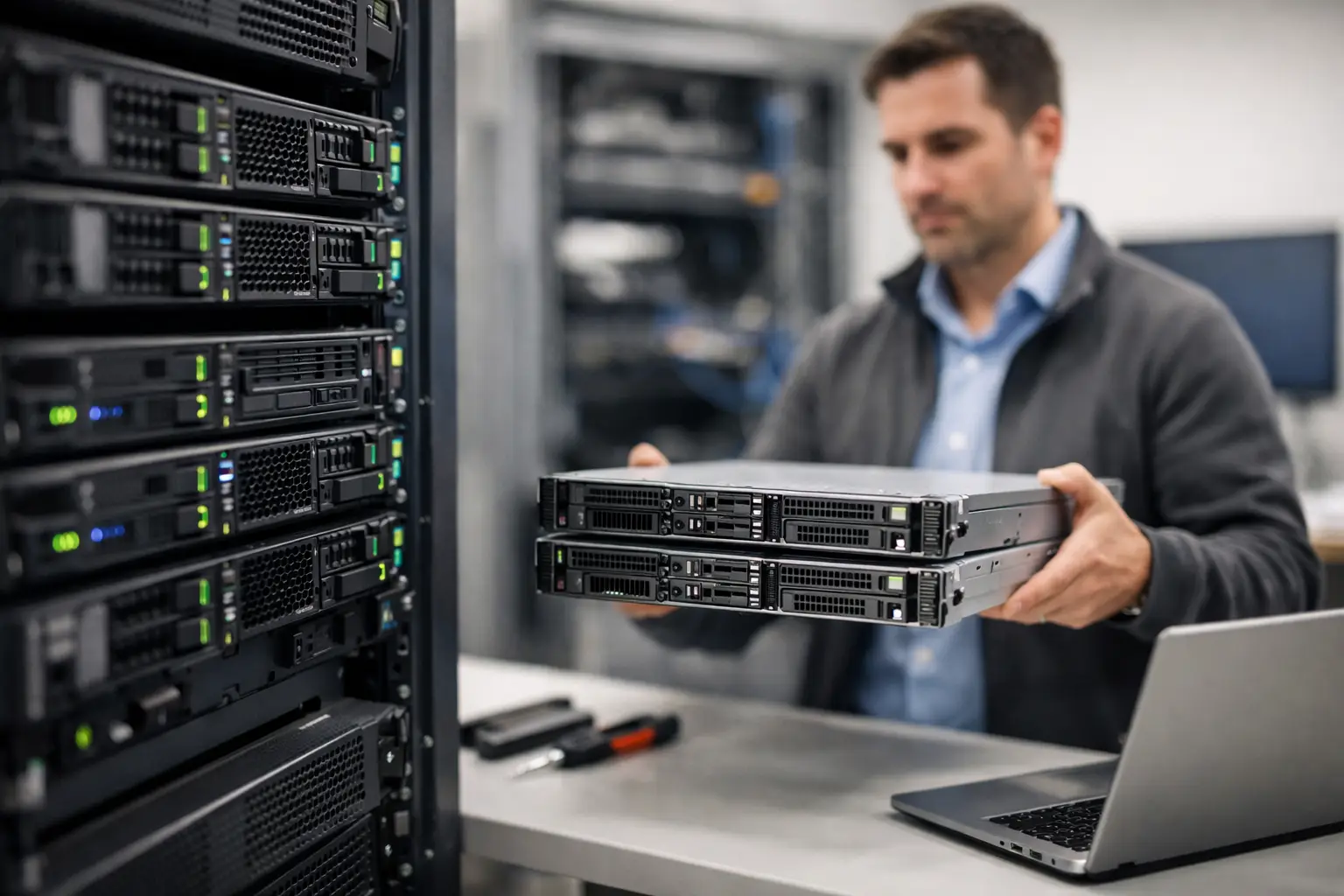
If your server is still doing the job but everyone is quietly working around its limitations, you are already in the territory where a server hardware refresh deserves serious attention. Slow backups, ageing components, warranty gaps and compatibility issues rarely fail all at once. More often, they chip away at reliability until a routine update, failed drive or performance spike turns into a business interruption.
For many Brisbane and South East Queensland businesses, the question is not whether equipment will need replacing. It is whether the replacement happens on your schedule or in the middle of a problem. That difference matters because a planned refresh gives you control over cost, timing, security and downtime.
What a server hardware refresh actually means
A server hardware refresh is the planned replacement or upgrade of physical server infrastructure so your business can keep operating safely and efficiently. That could mean replacing an ageing on-premises server, moving to newer rack or tower hardware, upgrading storage and memory, or redesigning the environment to better support virtual machines, backups and cloud-connected workloads.
It does not always mean a like-for-like swap. In some businesses, the right move is a newer physical server with better capacity and resilience. In others, it may be a hybrid setup where some workloads stay on-site while others move to Microsoft 365, Azure or a line-of-business cloud platform. The right answer depends on what the server does, how critical it is and what your team needs from it over the next three to five years.
The signs your server hardware refresh should not wait
The clearest sign is age. If your server is well past its recommended lifecycle, unsupported by the manufacturer or no longer covered by warranty, the risk profile changes quickly. A failed component in an older unit is not just a hardware issue. It can become a sourcing issue, a data recovery issue and a downtime issue.
Performance is another common trigger. Staff may notice slower access to files, lag in line-of-business applications, lengthy reboot times or overnight jobs spilling into the workday. Those symptoms often build gradually, which makes them easy to normalise. If your team has started saying, “it has always been a bit slow,” that is worth investigating.
Security and compliance also play a part. Older hardware can limit your ability to run supported operating systems, current firmware and modern security tooling. If your server cannot comfortably support current patching, encryption, backup software or access controls, the business risk is no longer theoretical.
Then there is growth. A server that suited a 10-person office may struggle when the business grows, adds new locations, increases remote access, or relies more heavily on digital records and cloud sync. Hardware should support growth, not quietly hold it back.
Why delaying a server hardware refresh often costs more
Many businesses delay infrastructure upgrades because the existing setup still turns on each morning. That is understandable. Nobody wants to replace working equipment without a clear reason. But old server hardware tends to become more expensive in indirect ways before it becomes obviously unusable.
Downtime is the most visible cost. If the server fails unexpectedly, lost productivity can outweigh the saving from postponing the project. There is also the IT labour involved in nursing old hardware along, troubleshooting recurring issues and planning around limitations that newer equipment would remove.
Delayed refreshes can also force rushed purchasing decisions. Instead of comparing options properly, scheduling migration carefully and ordering fit-for-purpose hardware, businesses end up buying whatever is available quickly. That usually leads to compromise, and compromise in infrastructure has a habit of lingering for years.
Planning a server hardware refresh the practical way
A good refresh starts with business requirements, not model numbers. Before choosing hardware, it helps to understand what the server currently supports, what pain points exist and what is likely to change over the next few years. File storage, databases, virtual machines, remote access, backup windows, cybersecurity requirements and staff headcount all shape the decision.
This is also the stage where hidden dependencies come to light. Older accounting systems, practice management software, specialised manufacturing platforms and legacy medical applications can all affect the refresh path. Sometimes the hardware is the easy part. The real challenge is making sure the software and licensing stack will move cleanly.
Once the current state is clear, the design phase becomes more useful. Rather than simply replacing old gear with something similar, you can decide whether to improve redundancy, increase storage performance, allow for future expansion or shift some workloads away from the server entirely. That might mean better RAID design, more memory for virtualisation, newer backup targets or an updated disaster recovery approach.
What to consider before buying new hardware
Capacity matters, but overspending on unused performance is just as unhelpful as under-sizing. The aim is a server that fits your business now and remains suitable as your needs evolve. Processor power, RAM, storage type, storage growth, network connectivity and power protection all need to align with actual usage.
Vendor choice matters too. Standardising on business-grade platforms from trusted manufacturers usually makes support, warranty handling and parts availability much easier. For organisations buying in volume or looking for configure-to-order options, it also helps to work with a provider that can source equipment properly and align it with the broader IT environment rather than just shipping boxes.
There is also a timing consideration. If your server refresh is part of a broader fleet update, office relocation, software rollout or cybersecurity uplift, coordinating those projects can save disruption. Done well, one planned change window can solve several problems at once.
Server hardware refresh and cloud – not either-or
One of the more common misconceptions is that a server hardware refresh is outdated because “everything is in the cloud now”. In practice, many Australian businesses still have genuine reasons to keep some workloads on local infrastructure. Performance, application compatibility, data handling preferences, site connectivity and cost predictability can all make on-premises or hybrid setups the better fit.
That said, a refresh is a smart time to question what still belongs on the server. Some services may be better moved to cloud platforms, while others stay local for operational reasons. A practical review can reduce hardware demands, improve resilience and avoid carrying old design decisions forward just because they have been there for years.
The best outcome is usually not ideological. It is operational. Keep what works best on-site, move what makes sense, and design the environment around how your business actually runs.
Minimising disruption during the refresh
For most business owners and managers, the biggest concern is not the hardware itself. It is disruption. That is why planning, staging and migration sequencing matter so much.
A well-managed refresh includes clear discovery, compatibility checks, backup validation and a migration plan that accounts for business hours and critical systems. Testing should happen before cutover, not after. If there is an opportunity to build the new environment alongside the old one and migrate in stages, that often reduces risk.
Communication matters as well. Staff do not need every technical detail, but they should know what is changing, when to expect interruptions and what to do if they notice an issue. Good project handling makes the refresh feel controlled rather than chaotic.
Why local advice still matters
For small and mid-sized businesses, especially those without an internal infrastructure team, the value of a server hardware refresh is not just in the equipment. It is in getting the design, procurement, migration and support right from the start.
That is where working with a local IT partner can make a real difference. A provider that understands your systems, your business pressures and your growth plans can recommend the right fit rather than the most expensive option. If you are in Brisbane or surrounding areas such as Wynnum, Tingalpa, Belmont or Capalaba, local support also means faster coordination when timing matters.
At Bridge IT, we help businesses plan and deliver refresh projects with a practical focus on continuity, security and fit-for-purpose infrastructure. We also assist with bulk purchases and configure-to-order hardware across leading business brands including HP Inc, HPE and Lenovo, which is particularly useful when the server project sits alongside a broader device refresh.
A server does not need to fail dramatically before it becomes a business risk. If your current environment feels old, slow, unsupported or harder to rely on than it should, that is usually the right moment to start the conversation – while you still have choices.
